



Square Enix is investigating a bizarre Steam update issue that dramatically increases storage requirements, leaving players with a temporary workaround.
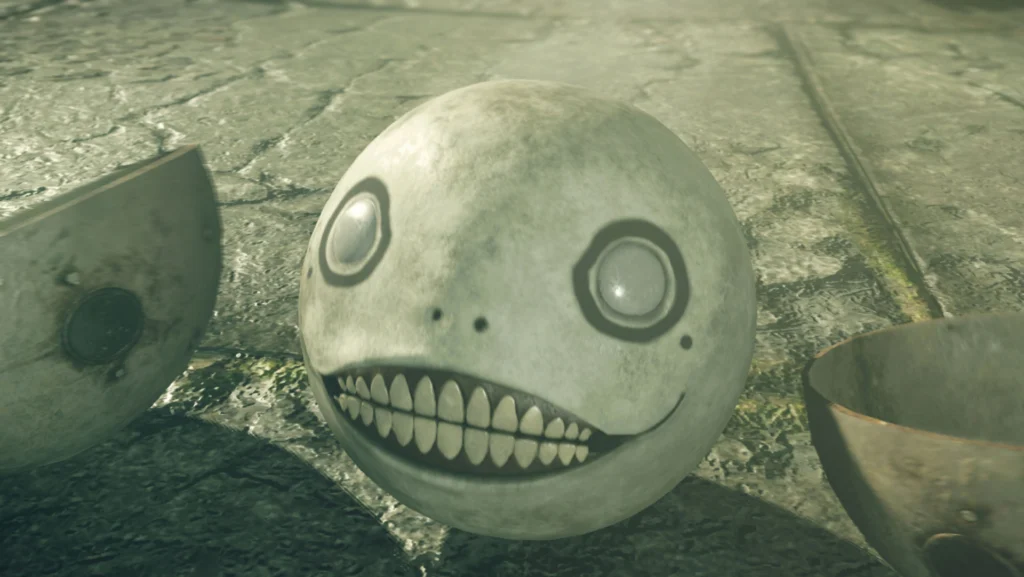
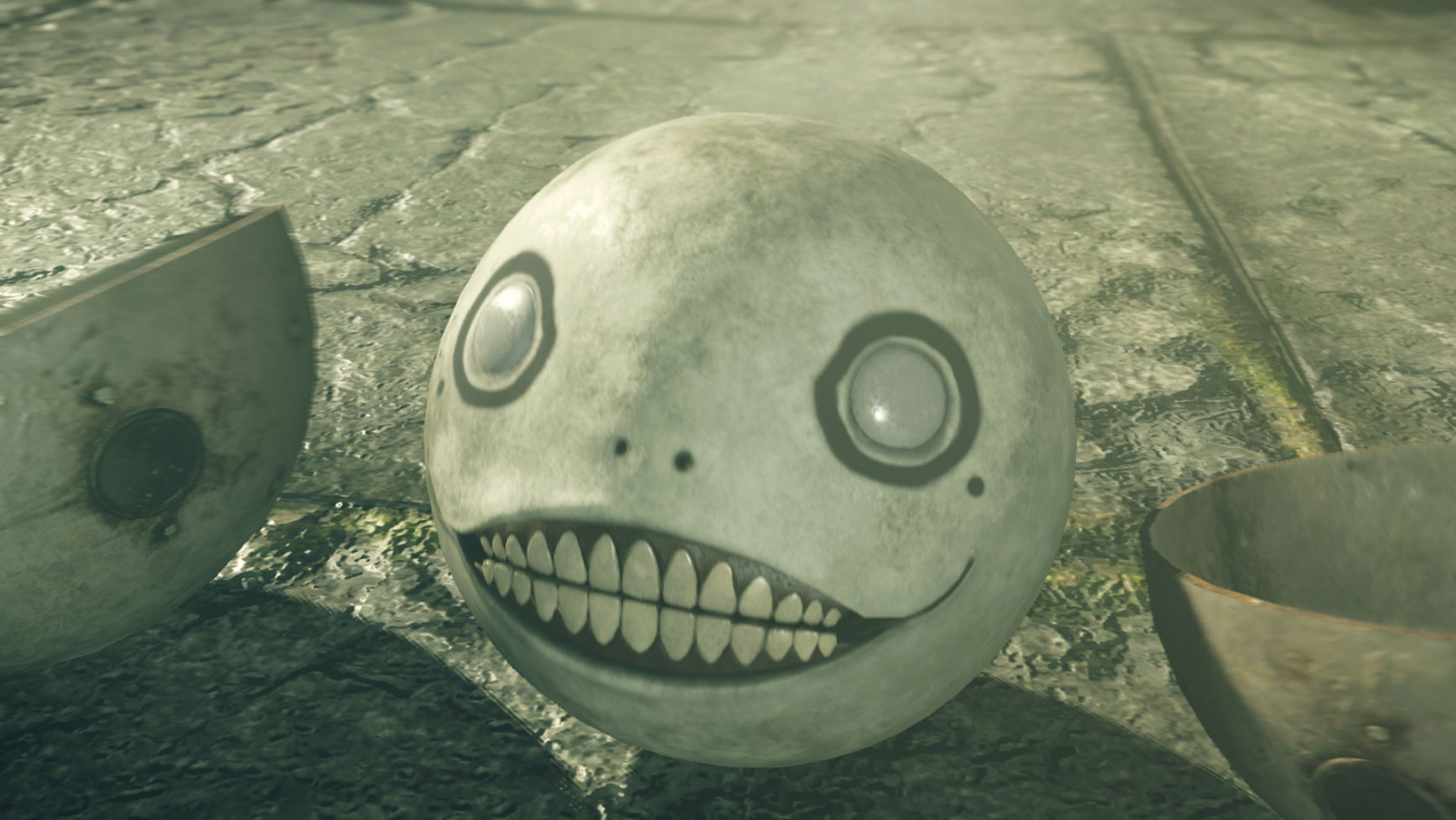
Square Enix is working to fix an unusual update bug affecting NieR: Automata on Steam, which has caused the game's required installation space to jump from approximately 50GB to a massive 366.5GB.
The issue appeared after a recent update intended to introduce Simplified Chinese, Traditional Chinese, and Korean language support. While the additional localization options were a welcome improvement, the patch brought an unexpected storage problem that could catch players off guard.
Square Enix acknowledged the problem in a Steam announcement, confirming that the latest update caused the game to require significantly more storage space than intended.
The company stated that it is currently investigating the cause and working toward a solution. It also apologized to players for the inconvenience while the issue remains unresolved.
Although the exact cause has yet to be confirmed, the problem may be connected to the game's downloadable content (DLC). Reports suggest that each of the eight DLC packages is incorrectly displaying a file size similar to the entire base game when selected for download.
Interestingly, the unusually large storage requirement appears to be temporary. Once installation is complete, the game's file size reportedly returns to its expected size of approximately 50GB.
Until Square Enix releases a proper fix, players preparing to install NieR: Automata can avoid the inflated storage requirement by temporarily disabling all eight DLC packages.
To do so:
- Open NieR: Automata in the Steam library.
- Select Properties.
- Navigate to the DLC section.
- Uncheck all eight DLC items before downloading the game.
This workaround allows players to download the base game using its intended storage requirements.
While the 366.5GB figure is clearly the result of a technical issue rather than the game's actual size, it highlights a growing concern among PC players: increasingly demanding storage requirements.
Many major releases already exceed 100GB, with some Call of Duty titles surpassing 200GB. As graphics, content, and technical ambitions continue to expand, managing storage space has become an increasingly important part of gaming.
For now, NieR: Automata players can breathe a little easier knowing that the enormous installation requirement is a bug, not a permanent change. Square Enix has yet to announce when the issue will be fully resolved.
Be Part of It